
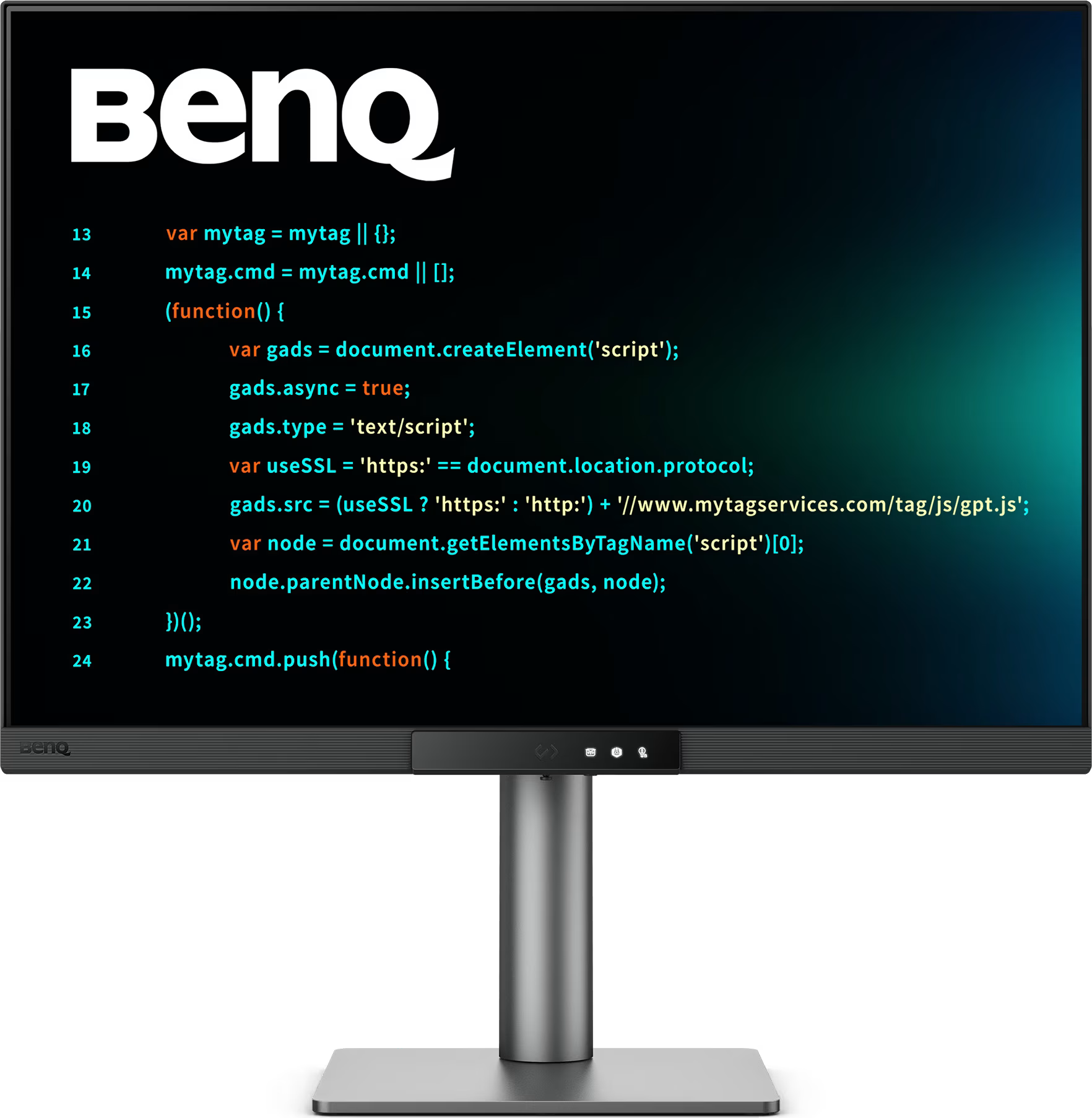


BenQ RD280UG 28inch 4K+ 120Hz Programming Monitor
- 350 Candela Brightness
- 28″ diagonal size
- 4K+ Resolution
- Project pricing available
£500.00 Excl. VAT

 WishlistIn Wishlist
 Manufacturer Overview
RD280UG|28” 4K+ 120Hz BenQ Programming Monitor with MoonHalo Backlight
Relax and Code with Clarity
Every Coding Session with Clarity and Comfort
Hit the Hotkey and Start Coding
Hit the Coding HotKey to activate the Function Bar and dive straight into coding. Instantly apply coding modes, adjust brightness, contrast, and eye-care settings, activate Night Hours Protection, or control the MoonHalo Backlight for cold/warm light tones and 360° or 270° lighting options.
Your Eyes and Body, We Care for Them as You Care for Your Code
We know the importance of healthy eyes and ergonomics, we prioritise them in every design.
– Pivot
– Swivel
– Tilt
– Height Adjustable Stand
Light up Your Setup with MoonHalo
More than a monitor, a backlight too! With customisable colour temperature, brightness and light modes, plus auto dimming, MoonHalo ensures optimal eye protection and focus.
Lag-free Coding with 120Hz Precision
With 120Hz refresh rate, enjoy ultra-smooth visuals, effortless scrolling, lag-free performance, and gentle visuals that keep your eyes comfortable all day.
Night Hours Protection for Night Owl Programmers
We know that feeling — when coding late at night just flows. Night Hours Protection with ultra-low brightness technology keeps your eyes safe while letting your creativity flow.
Eye-Care, Covered
Equipped with Visual Optimiser, automatic brightness, and colour temperature adjustment, it adapts seamlessly to your working environment. The RD280UG is TÜV-certified for Flicker-Free, Reflection-Free, Low Blue Light, Eye Comfort 2.0, and Eyesafe 2.0, ensuring minimal distractions, reduced harmful blue light, and a comfortable, safe viewing experience without compromising vivid, lifelike colours—perfect for coding as well as movies, images or games.
Every Great Project Begins with Code Clarity
Every detail—from anti-glare technology to pixel-by-pixel local dimming—is designed to redefine code clarity. In the exclusive Coding Modes, displays are finely tuned for optimal clarity in both dark and light themes. The all-new Paper Colour Mode adds another way to refine your code-reading experience.
– Coding – Dark Theme
Dark Theme enhances readability, boosts coding speed, and improves debugging precision.
– Coding – Light Theme
Light Theme for clear viewing without eye strain.
– Coding – Paper Colour
The new Coding – Paper Colour Mode to enjoy the comfort of paper-like reading.
Amazing Nano Matte Panel – Clarity Without Glare
Featuring low reflection properties to minimise distractions, this advanced technology enhances focus and boosts productivity, delivering unparalleled clarity for peak performance.
High Pixel Contrast, Every Line in Detail
The RD280UG features a 2000:1 contrast ratio with multi-layered High Pixel Contrast Technology. Static and dynamic contrast tuning, combined with local contrast optimisation, reveal fine details and enhanced dark-area clarity. Clear shadows and refined details make coding effortless, while the screen delivers a high-quality visual experience for movies, images or games.
Build Your ideal Setup!
Transform your desk into a productivity hub. With BenQ Programming Monitor, experience a workspace designed for comfort, focus, and inspiration.
Improved Productivity with 3:2 Ratio
Achieve more and scroll less. With its 3:2 aspect ratio, the RD280UG is designed specifically for coders, providing an expansive field of view that makes multitasking and reviewing code more efficient and comfortable.
Smart Connectivity
With versatile ports, front or back within easy reach, connecting your devices is effortless, quick, and simple.
KVM Switching
Maximum efficiency through unified integration with diverse devices and built-in KVM (keyboard, video, mouse) for seamless source switching.
Daisy Chain
Expand your view with Multi-Stream Transport via USB Type-C. A single 90W cable handles visuals, data, and charging simultaneously—streamlined and effortless.
*Please note that Mac and MacBook devices only support daisy chaining via Thunderbolt. Daisy chaining is not supported via HDMI or using regular USB ports on any device. Also, you can only connect a single external display using a Mac device with the M1 or M2 chips. For more information about connecting different Mac models to external displays, please refer to the Apple website.
Display Pilot 2 for macOS, Windows, and Linux
Now supporting Linux! The BenQ Programming Series software caters to your needs with intuitive control of features like MoonHalo, Night Hours Protection, and KVM onscreen control. It also offers programmer-focused tools such as Shortcuts, Desktop Partition, Application Mode, Software Dimming, and Circadian Mode, making your workflow smarter and more efficient.
