
- Business

- Education

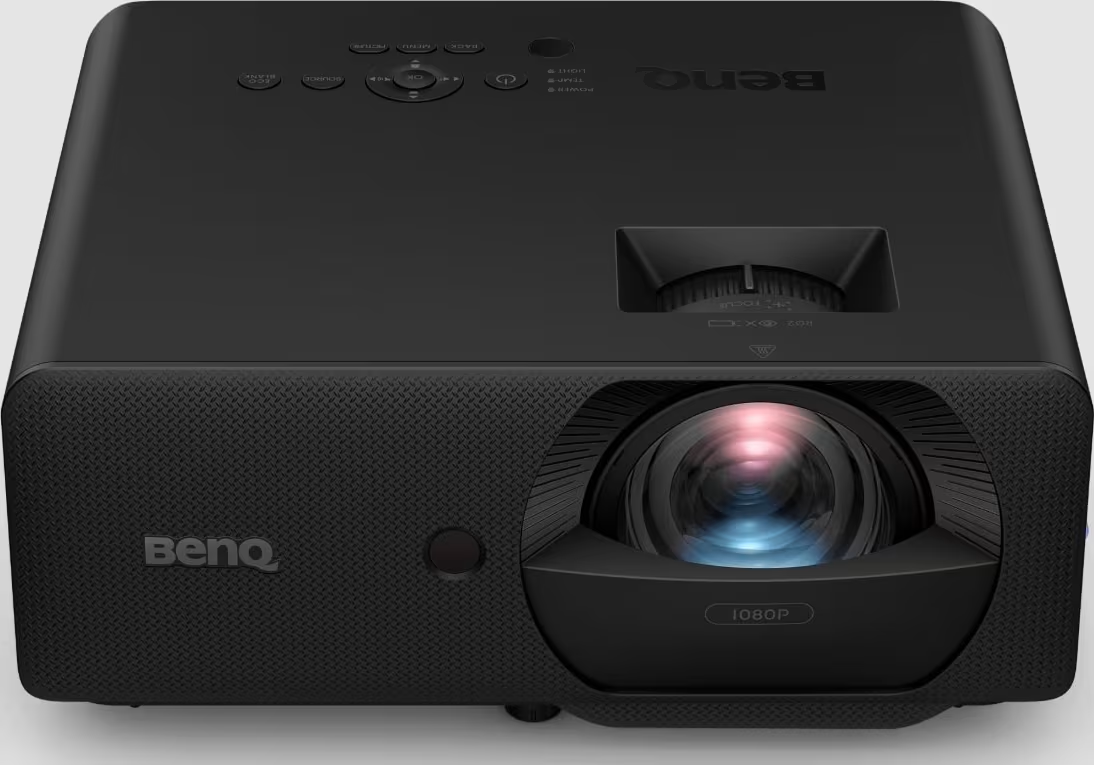
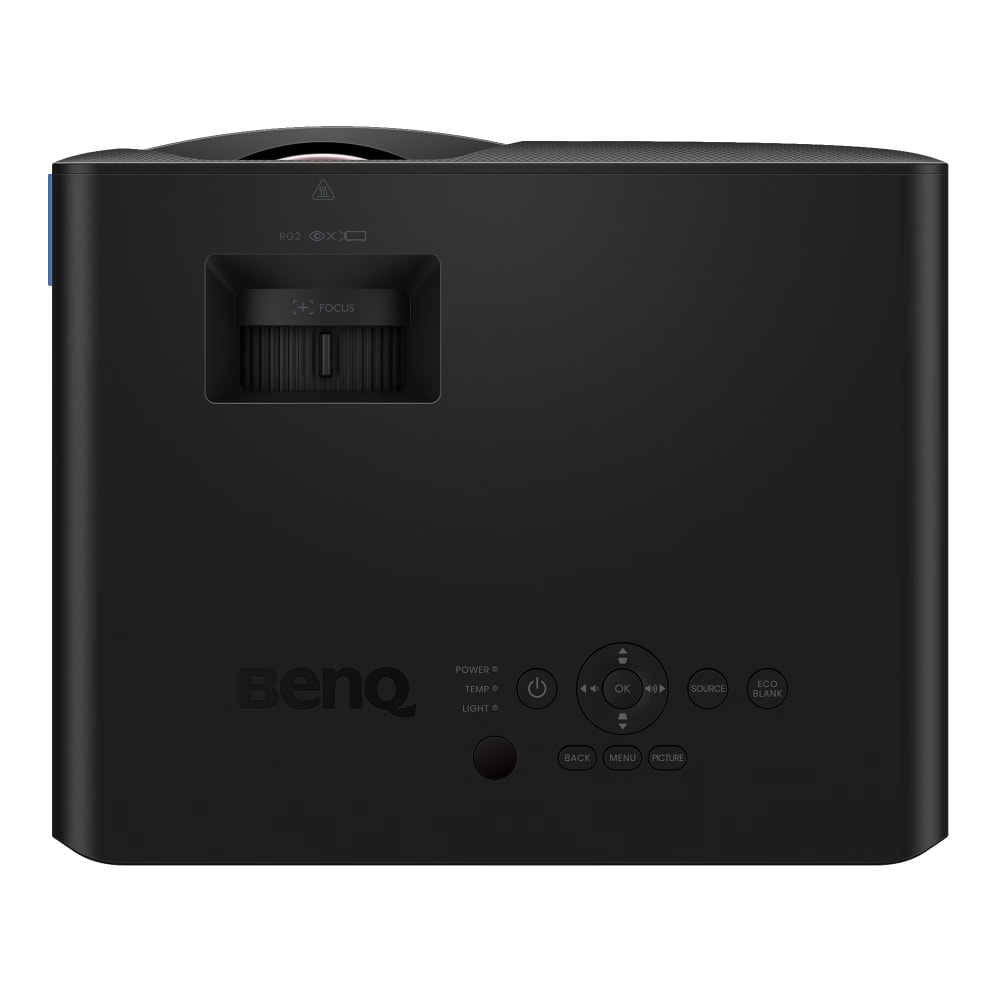

BenQ LH830ST

SKU: P6049
A 0.49 short throw fixed lens creates large images from remarkably close range. Sealed optics and any placement orientation you like, including portrait.
- 4000 Lumens Brightness (Laser / DLP)
- 1080p Resolution – 16:9 Aspect Ratio
- Lens Ratio 0.496-0.496 : 1
- Projector warranty: 3 Years Pick Up, Repair, Return. Loan Unit Supplied.
- Laser warranty: 3 Years or 20,000 hours
- Volume discounts available
£1,349.00 Excl. VAT

 WishlistIn Wishlist


Quick Links
Projectorpoint Opinion
The BenQ LH830ST features a dedicated short throw fixed lens of 0.496:1. That is the throw ratio, and it is short even by short throw standards, so a large image arrives from very close to the screen. In a simulator bay it lets the projector sit forward of the player, and in a small room it means a big picture without the unit ending up in the middle of the floor. The trade is that the lens is fixed. There is no zoom at all, so screen size is set by where the projector sits, and there is no lens shift either, which makes measuring up the most important part of the job. Get that right and everything after it is straightforward.
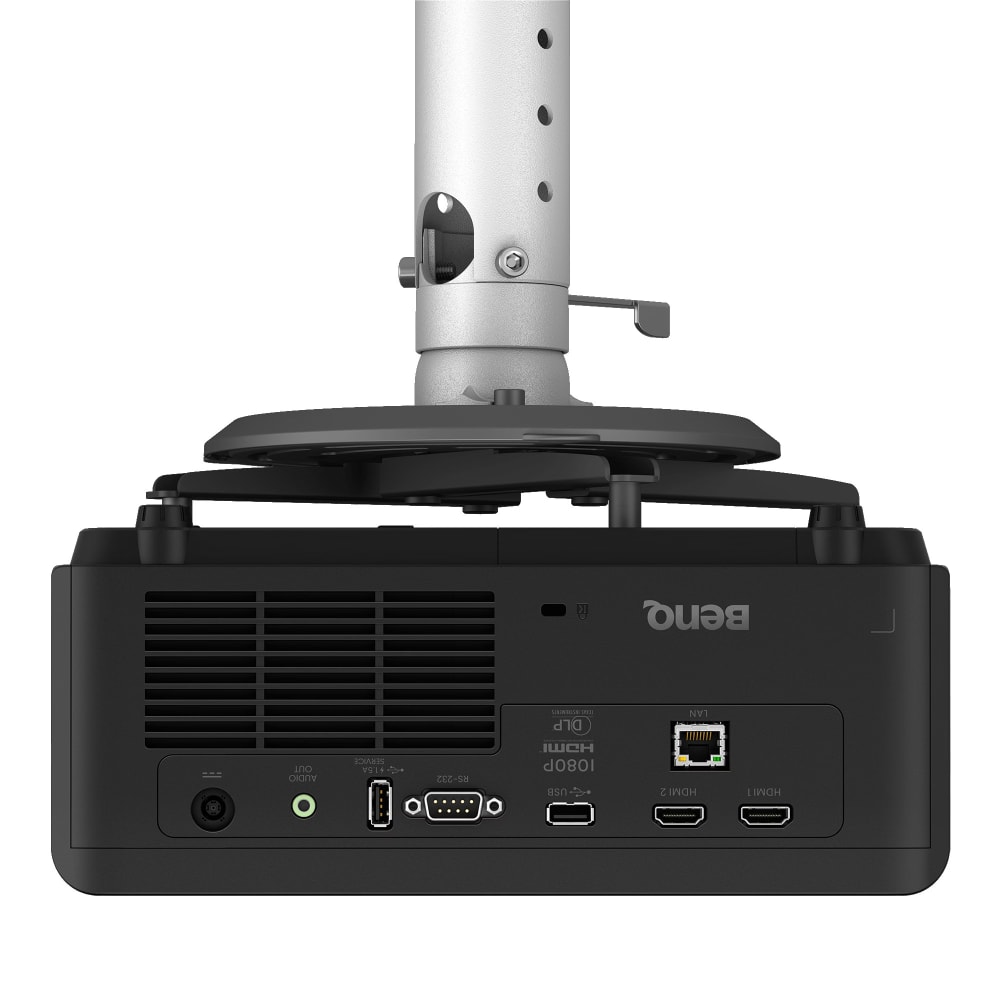
What surrounds the lens is well judged for permanent work. The optical engine is sealed to IP6X so dust cannot reach the chip or the light path, with an optional filter available for genuinely dirty environments, and the LH830ST can be run at any orientation including portrait. The laser is rated at 20,000 hours in normal mode or 30,000 in eco, measured to half brightness rather than to failure. Both HDMI inputs are 2.0b with HDR10 and HLG, there is a LAN port for monitoring and firmware over the network, and at 30dB in normal mode or 24dB in eco it is quiet for its output. Auto Screen Fill covers 4:3, 16:9, 16:10, 1:1 and 5:4 aspect ratios, which earns its place when the screen was built to suit the room rather than a video standard.
Manufacturer Overview
LH830ST 4000 ANSI Lumen 1080P Laser Simulation Projector
* 0.5 short throw ratio for large image from short distance
* One-click preset for multi-projector blending to minimise setup effort
* IP6X sealed engine with optional filter for optimal dust resistance and protection
* Supports OTA firmware updates to keep all devices up to date without physical access
* Laser high visual 4000 ANSI lumen brightness
Installer Ready
Optimised for Multi-Projector Projects from Fast Setup to Long Term Performance
Blending Ready Mode
One-click preset for multi-projector blending to minimise setup effort
Brilliant Visuals with Stable Colour and Performance
The LH830ST delivers brilliant image clarity and stable performance across every detail—from vivid Rec.709 colour and high contrast to 4000-lumen brightness (ANSI) and 20,000-hour laser life.
BenQ WBA for Seamless Multi-Projector White Calibration
BenQ’s factory white balance adjustment (WBA) reduces variables between images projected from different projectors, significantly reducing manual calibration effort. It can save up to a full day of setup time in large-scale installations while ensuring seamless multi-projector alignment for edge blending.
Full flexibility for ceilings, walls and floors
360° and Portrait Projection for Full Installation Freedom
Up to 300-Inch Display
0.5 short throw ratio for large image from a short distance in limited spaces.
Ready for Dusty Venues
1 – IP6X Sealed Engine Design for Dust-Prone Environments
Shields the projector’s optical engine from dust intrusion, ensuring long-term stability and reliable performance in harsh, dust-prone environments such as exhibition halls, factory spaces, and training centers.
2 – Optional Filter for Extra Protection
Provides added protection in dusty environments and helps extend projector life.
3 – Auto Reset Mechanism with Built-in Timer
Automatically tracks filter usage and resets the timer when a new filter is installed, without any manual setup.
IT takes control –
Streamlined Device Management
Remote Monitoring and Diagnostics
Easily track projector status and diagnose issues remotely, eliminating frequent on-site visits.
Firmware Management Over Network
Easily update all projectors via LAN to keep firmware current without physical access.
Reliable Performance, Less Maintenance
Ensure long-term stability, freeing SI teams to focus on creative installations rather than routine upkeep.

Customer Reviews
Reviews
Need help or advice? Talk to experts!
Projection Calculator

Where can I position the projector?
To achieve an image with 382 cm diagonal size, place the projector anywhere between 449.49 to 945.59 cm from the screen.